
You don’t need to be a developer to build something impressive anymore, but most people still think you do.
Perhaps you had an idea for a store, blog, or personal brand, but the "technical part" kept getting in the way.
Sound familiar?
Until recently, the options were to hire a developer or learn to code, both of which were costly and time-consuming.
Now, that barrier is gone.
Building a website feels less like coding and more like putting pieces together. So, the rise of no-code website builders has quietly changed the way websites are built, from complex and technical to simple and accessible.
At its core, a no-code website builder lets you design, edit, and launch your site using a visual interface, with no programming needed.
To assist you in selecting the best no-code website builder for your objectives, we've compared 6 of the top options in this guide.
What Is a No-Code Website Builder?
At its simplest, a no-code website builder lets you create a website without writing a single line of code.
You try using a visual editor instead of a technical setup, and what you see is precisely how your website will appear.
The process is pretty straightforward.
Pick a Template → Customize It → Preview → Publish
And it doesn’t stop there, most modern website builders also handle hosting, security (like SSL), and basic SEO, so you don’t have to worry about the backend at all.
The Two Tiers of No-Code
>> Beginner-Friendly Builders: Webira and Hostinger are examples of tools that prioritize speed and convenience.
>> Advanced No-Code Builders: Webflow and Framer are more powerful tools for high-end design, but they have a somewhat steeper learning curve.
SEO Features to Look for in a No-Code Builder
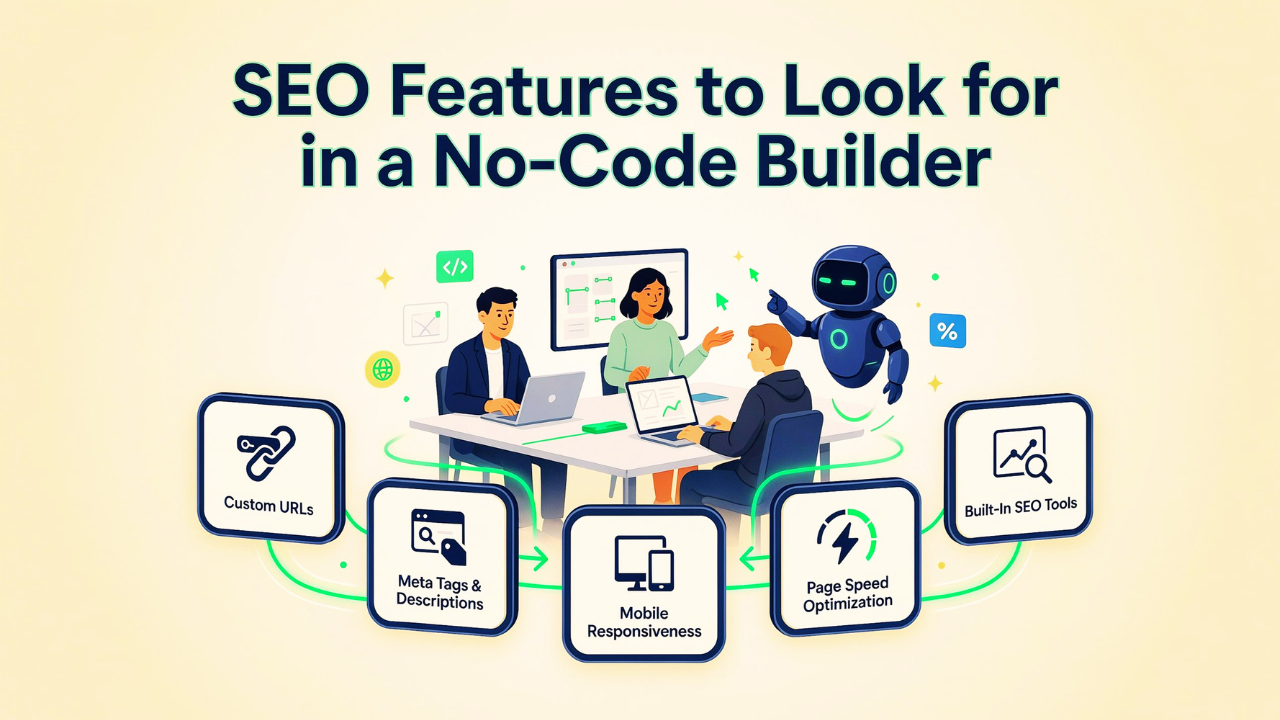
One of the most common questions beginners ask is: 'Will my no-code website rank on Google?' The answer is yes, if your builder comes with the right SEO tools.
Here's what to look for:
➕ Custom URLs: Your platform should surely let you set clean, keyword-rich URLs for every
page.
➕ Meta Tags & Descriptions: Every page should allow editing of the title tag and meta descriptions, the two most important on-page SEO elements.
➕ Mobile Responsiveness: Google uses mobile-first indexing. Your site must look and perform great on smartphones. With Webira functions, one-click publishing with the site is automatically mobile-responsive and SEO-friendly
➕ Page Speed Optimization: Look for builders that include image compression, CDN hosting, and caching out of the box.
➕ Built-In SEO Tools: The best no code website builders include SEO wizards that guide you through alt text, heading structure, sitemap generation, and robots.txt control.
How We Picked These Builders for Beginners
This list wasn't assembled randomly, evaluated each platform based on real-world testing and beginner-focused criteria:
🎯 Ease of Use: Can someone with no technical experience create a website quickly and easily?
🎯 Template Quality: Does the platform offer modern, professional, and customizable designs?
🎯 AI Features: Are there AI tools that help speed up website creation and simplify the process?
🎯 Pricing & Free Plans: Can users try the platform before committing to a paid plan?
🎯 SEO Features: Does it include essential SEO tools to help websites appear on search engines?
🎯 eCommerce Support: Is it possible to sell products, services, or digital downloads easily?
🎯 Security and Hosting: Does the builder include secure hosting, SSL certificates, and website protection?
🎯 Customer Support: Is reliable support available when beginners need help or guidance?
Important Features of a No-Code Website Builders
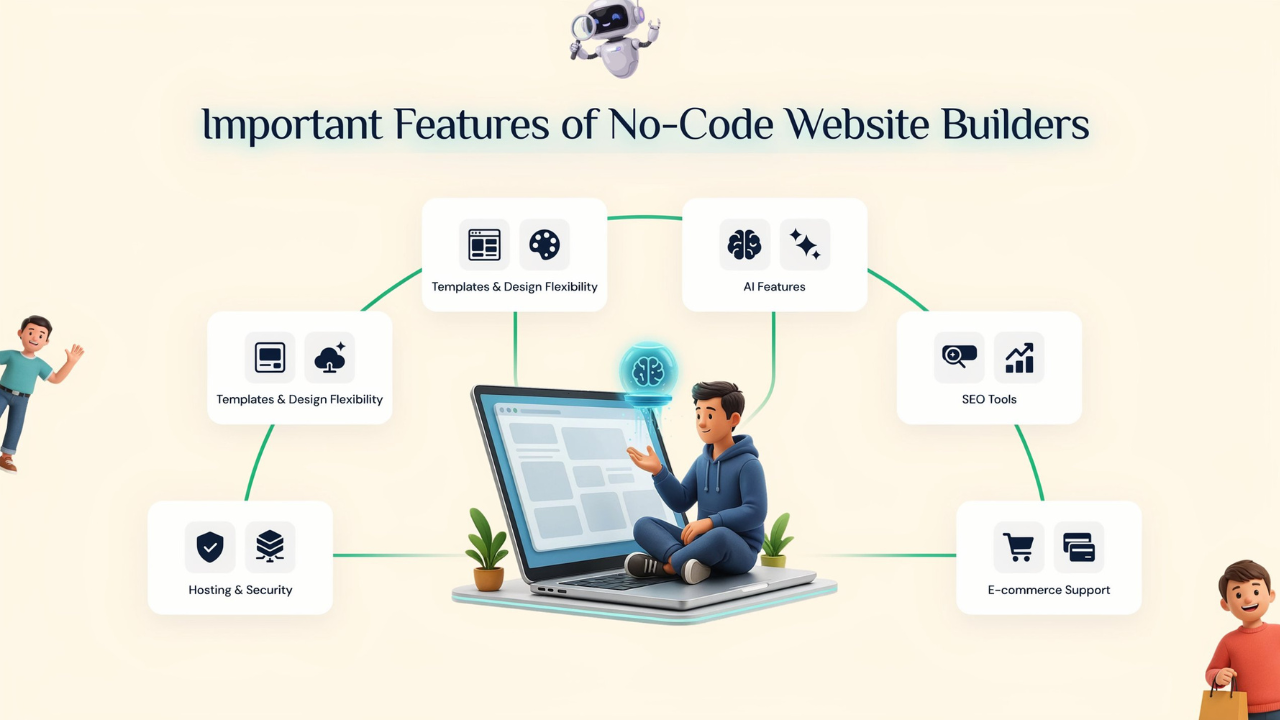
A. Templates & Design Flexibility
Look for high-quality, mobile-ready designs that don't look like "cookie-cutter" sites.
B. AI Features
In recent years, the best builders use Agentic AI to help you generate copy, layouts, and even SEO tags automatically.
Lately, I have been using Webira, a comprehensive SaaS builder and content engine that synchronizes professional copywriting.
C. SEO Tools
You need built-in tools for custom URLs, meta tags, and fast loading speeds to rank on Google.
D. E-commerce Support
If you’re selling products, ensure it has secure checkout and inventory management. With the
E. Hosting & Security
The best no code website builders include hosting and an SSL certificate (the little padlock icon) in their monthly fee.
6 Best No Code Website Builders for Beginners
1. Webira

One thing that makes Webira unique is its speed and SEO. It asks a few questions about your company and instantly creates a full website, complete with layout, design, and content, rather than starting from scratch.
It’s built for non-technical users who want to launch quickly without getting stuck in design decisions.
Advantages
➕ AI has done the heavy lifting
➕ One-time pricing, no ongoing monthly costs
➕ Great for launching or testing ideas quickly
➕ Beginner-friendly onboarding
➕ Extremely fast time-to-launch
Disadvantages
➖ Limited control for highly custom designs
➖ Fewer integrations than established platforms
➖ Not ideal for complex or feature-heavy sites
Ideal for: Solopreneurs, freelancers, and small teams who want to launch websites fast with minimal effort.
2. Webflow

You can have sophisticated design control without knowing how to code. Because of its reputation for creating neat, polished websites that look custom-built, a lot of agencies with Webflow and SaaS companies use it.
That said, it has a bigger learning curve than most no-code builders, so it’s better for users willing to spend some time learning the platform.
Advantages
➕ Full design flexibility without coding
➕ Powerful CMS for blogs and dynamic content
➕ Fast hosting and strong security included
➕ Advanced SEO features built in
Disadvantages
➖ Learning curve is higher for beginners
➖ Pricing can get expensive with multiple projects
➖ Advanced layouts require understanding design concepts
Ideal for: Designers, marketers, SaaS founders, and beginners who want more creative control and professional-level websites.
3. Hostinger Website Builder

Hostinger combines price and ease of use, making it one of the finest low-cost website builders for novices. It bundles hosting, domain, templates, and an AI website generator into one platform.
The AI helps create a basic website layout and content from a simple prompt, which you can customize using the drag-and-drop editor.
Advantages
➕ AI quickly generates a starter website
➕ Hosting, email, and domain managed in one place
➕ Fast loading speeds with built-in SSL and CDN
Disadvantages
➖ Smaller template library than competitors
➖ Limited flexibility for advanced designs
➖ AI output still needs manual editing
➖ Fewer third-party integrations
Ideal for: Beginners, students, and small businesses looking for an affordable and easy way to get online fast.
4. Framer

Framer focuses significantly on design and visual experience, making it a popular tool for developing modern, dynamic websites without touching code.
With smooth animations, responsive layouts, and a Figma-like editing experience, it’s built for users who care about aesthetics.
Advantages
➕ Smooth, Figma-like design experience
➕ Fast hosting with image optimization and SSL
➕ Built-in CMS for blogs and content
➕ AI-assisted layout generation
➕ Strong SEO controls included
Disadvantages
➖ Learning curve is higher than simpler builders
➖ Heavy animations can slow complex projects
➖ CMS is limited for large-scale content
Ideal for: Designers, creators, startups, and agencies building modern portfolios or high-converting landing pages.
5. CloudFunnels

With CloudFunnels, you can create membership sites, sales funnels, landing pages, and marketing campaigns all from a single dashboard.
Unlike many SaaS builders, it also offers self-hosting, giving users more control over their data and setup.
Advantages
➕ Self-hosting option for full data ownership
➕ Supports major payment gateways
➕ Built-in A/B and split testing
➕ SEO-friendly with caching and AMP support
➕ Integrates with Zapier and Integrately
Disadvantages
➖ Support quality may vary
➖ Smaller community and fewer tutorials
➖ Installation issues reported on some hosting setups
Ideal for: Digital marketers, course creators, and funnel builders who want an all-in-one platform with more ownership and lower long-term costs.
6. Weebly

One of the earliest drag-and-drop website builders, Weebly, is renowned for its ease of use, with dragging pieces onto the page, editing them, and then publishing.
The platform functions effectively for simple websites and modest projects, even though it feels less contemporary than rivals like Wix or Squarespace.
Advantages
➕ Let's you sell products even on the free plan
➕ Hosting, SSL, and security included
➕ Fast-loading websites
➕ Includes useful app integrations.
Disadvantages
➖ Limited design flexibility
➖ Fewer updates and new features
➖ Not ideal for scaling large businesses
Ideal for: Personal websites, local businesses, and beginners who need a simple website at a low cost.
Conclusion
Building a website in 2026 is no longer limited to developers or technical experts.
No-code builders have made it possible for almost anyone to launch a professional website faster and with far less effort.
Whether you're starting a blog, building a business site, launching a portfolio, or testing a new idea, there’s a platform built for your specific needs.
That’s the important part by choosing the right tool for your goals. A photographer, an online store owner, and a SaaS founder may all need a website, but not the same kind of builder.
If you want the fastest AI-assisted setup, Webira is one of the best choices for beginners.
Your first website doesn’t need to be perfect, it just needs to go live. Over time, you can always make improvements and expand it.
FAQs about Best No Code Website Builders
Q: What is the easiest no-code website builder for absolute beginners?
Ans : Webira and Hostinger are the easiest options for complete beginners. Webira provides step-by-step instructions for setup, while Hostinger generates your site based on a text description.
Q: Is no-code really "no code"?
Answer: Yes! You will never have to look at a script, but most platforms allow you to add "custom code" if you decide to hire a professional later.
Q: Do no-code sites rank on Google?
Ans: Absolutely. Modern no code website builders like Webflow, Webira, and Framer are built with "Clean Code" that Google’s 2026 algorithms love.